DocuSign CLM: Streamlining Contract Management
Table of Contents
- What DocuSign CLM Brings to Contract Management
- The Agreement Cloud Architecture
- Core Features for Legal Operations
- E-Signature Integration Advantage
- Pricing Structure and Cost Considerations
- Integration Environment and Technical Connectivity
- Target Market and Ideal Use Cases
- Implementation Challenges and Considerations
- Competitive Position and Alternative Considerations
- Bottom Line
- What DocuSign CLM Brings to Contract Management
- The Agreement Cloud Architecture
- Core Features for Legal Operations
- E-Signature Integration Advantage
- Pricing Structure and Cost Considerations
- Integration Environment and Technical Connectivity
- Target Market and Ideal Use Cases
- Implementation Challenges and Considerations
- Competitive Position and Alternative Considerations
- Bottom Line
What DocuSign CLM Brings to Contract Management
DocuSign’s contract management intersects e-signatures and contract lifecycle management (CLM). Known for e-signatures, it expanded to CLM via its Agreement Cloud. For legal teams using DocuSign, CLM offers seamless integration. Whether it competes with dedicated CLM platforms depends on your organization’s infrastructure and workflow friction points.
The Agreement Cloud Architecture
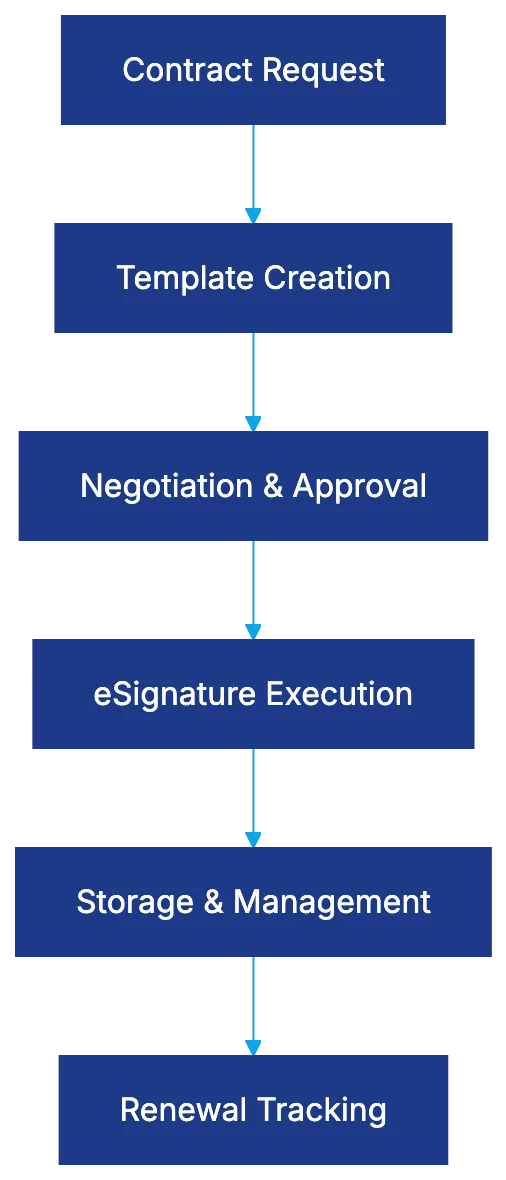
DocuSign CLM Architecture Overview:
Positioned within the Agreement Cloud, DocuSign’s CLM aims to manage agreements from request to renewal. It extends e-signature capabilities to contract creation, negotiation, approval, execution, and storage. The architecture fits organizations already using DocuSign for signatures, reducing context-switching by using templates, routing approvals, and managing agreements post-signature. Organizations with complex contracts might find the template-driven approach limiting.
Core Features for Legal Operations
Core CLM Feature Components:

DocuSign CLM reduces manual contract administration with dynamic templates including conditional logic. A sales team can generate agreements without legal counsel. Clause libraries ensure consistency with version control. Workflow automation routes contracts based on type or value and integrates natively with DocuSign eSignature. The repository allows centralized storage with metadata tagging and searches by counterparty, date, or clauses. Post-execution, it tracks obligations and renewals, beneficial for managing email overload from missed renewals.
E-Signature Integration Advantage
DocuSign CLM’s native e-signature integration removes complexities seen in multi-vendor setups. This integration is recognized and trusted by recipients, maintaining metadata and audit trails, reducing training needs and user errors for sales and HR teams. However, this advantage applies mainly to current DocuSign users; other CLM platforms offer stronger contract capabilities if e-signature providers can be chosen freely.
Pricing Structure and Cost Considerations
Integration Ecosystem Map:

DocuSign CLM operates on a per-user, per-month model, varying by feature tier and contract volume, as detailed in Gartner’s review. Lower-tier plans offer basic features, while higher tiers include AI, advanced integrations, and support. Comparing costs with alternatives needs more than per-user costs; consider additional fees for setup, training, administration, and whether existing DocuSign licenses make bundled options attractive.
Integration Environment and Technical Connectivity
DocuSign integration supports major systems through connectors and APIs, including Salesforce. It works with Salesforce for sales workflows, Microsoft 365 for document storage and collaboration, and SAP for procurement and financial connections. Workflow platforms like Workato and Zapier allow connections to various applications. Prioritize integrations with clear value, balancing complexity and operational benefit.
Target Market and Ideal Use Cases
DocuSign CLM suits mid-market to enterprise users already with DocuSign eSignature, handling high-volume standardized contracts. Sales and employment agreements benefit from templated self-service and workflow automation. Vendor contracts gain from obligation tracking. It’s less suited for custom contracts needing sophisticated tools or if competitors’ specialized capabilities fit specific needs.
Implementation Challenges and Considerations
DocuSign CLM setup is a business process redesign rather than just software installation, taking months to operationalize. Developing templates and workflows demands effort, requiring balance between legal requirements and business effectiveness. Change management is crucial for user adoption, making executive sponsorship and training essential.
Competitive Position and Alternative Considerations
DocuSign’s e-signature integration and brand recognition make sense for those needing workflow automation from signatures backward, as discussed in TechCrunch’s article. Purpose-built CLM platforms offer superior contract-specific features but add integration complexity. Important considerations include existing DocuSign use, contract pattern standardization, and technological priorities.
Bottom Line
DocuSign CLM integrates excellently with its e-signature solution, benefiting organizations extending signatures into workflows. The platform fits those handling standard agreements where signature collection is the main hurdle. However, for complex needs, alternatives might offer better capabilities, despite integration challenges.
Frequently Asked Questions
How does DocuSign CLM differ from traditional contract management solutions?
DocuSign CLM combines e-signature capabilities with contract lifecycle management, streamlining the entire process from contract creation to renewal. Unlike traditional solutions that may operate separately, DocuSign CLM benefits from seamless integration, particularly for organizations already using DocuSign for signatures.
What types of organizations would benefit most from using DocuSign CLM?
DocuSign CLM is ideal for mid-market to enterprise companies that have a high volume of standardized contracts, particularly in sales and employment agreements. It's especially useful for organizations that already utilize DocuSign's eSignature services and need efficient workflow automation.
What are the main advantages of using DocuSign’s e-signature integration with CLM?
The integration of e-signatures within DocuSign CLM simplifies the contract signing process, maintains consistent metadata and audit trails, and reduces the need for extensive user training. This native integration is particularly beneficial for organizations currently using DocuSign, minimizing complications often associated with multi-vendor setups.
How does the pricing structure of DocuSign CLM work?
DocuSign CLM is offered on a per-user, per-month basis, with variations depending on the feature tier and contract volume. It's essential to evaluate not just the subscription cost but also potential additional fees for setup, training, and ongoing administration when comparing it to other solutions.
What challenges might organizations face when implementing DocuSign CLM?
Implementing DocuSign CLM involves significant business process redesign, requiring careful planning for template and workflow development. Change management is crucial, as successful user adoption often depends on effective training and executive support throughout the transition period.
Can DocuSign CLM handle custom contracts effectively?
While DocuSign CLM excels at managing high-volume standardized contracts, it may fall short for organizations needing sophisticated tools for custom contracts. If your contract management needs are highly specialized, alternative platforms may provide better solutions tailored to those specific requirements.
What integration options does DocuSign CLM offer?
DocuSign CLM is compatible with major systems via connectors and APIs, including Salesforce and Microsoft 365, allowing for streamlined sales workflows and document collaboration. Additionally, it can connect with platforms like Workato and Zapier, enhancing its versatility across various applications.
Related Articles
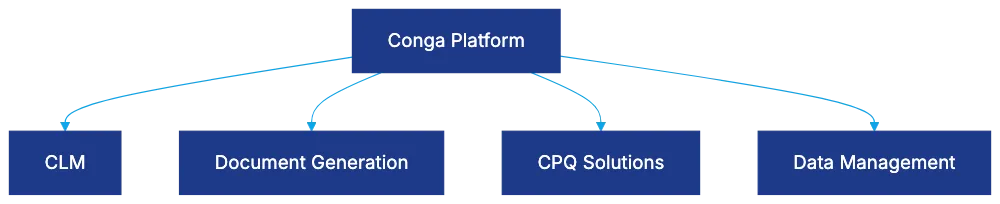
Conga: Revolutionizing Legal Technology for Professionals
Discover how Conga streamlines contract management and document generation for legal teams using Salesforce.
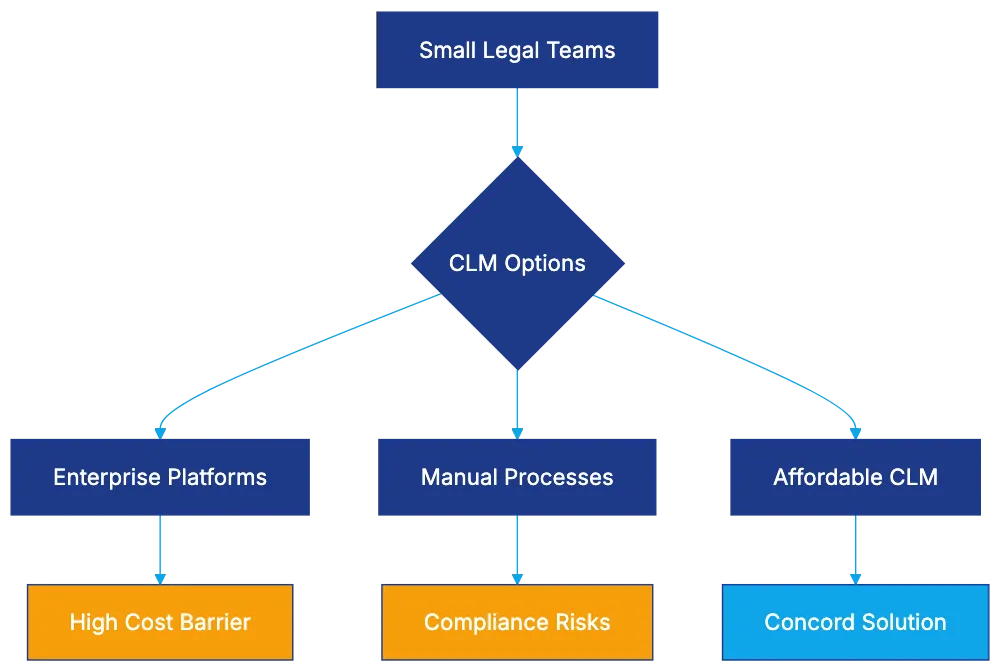
Addressing Contract Management for Small Legal Teams
Explore how Concord CLM bridges the gap for small legal teams with affordable solutions and AI capabilities.
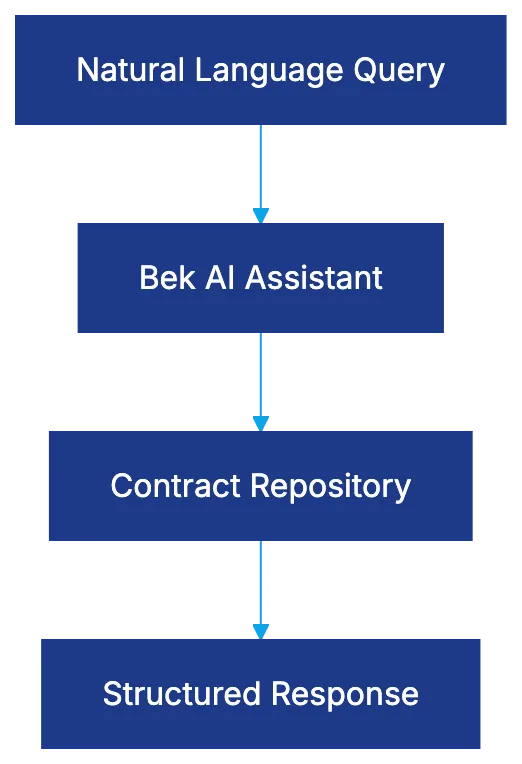
Malbek's Innovative Take on Contract Lifecycle Management
Explore how Malbek's conversational AI transforms contract lifecycle management for legal teams in mid-market and enterprise organizations.